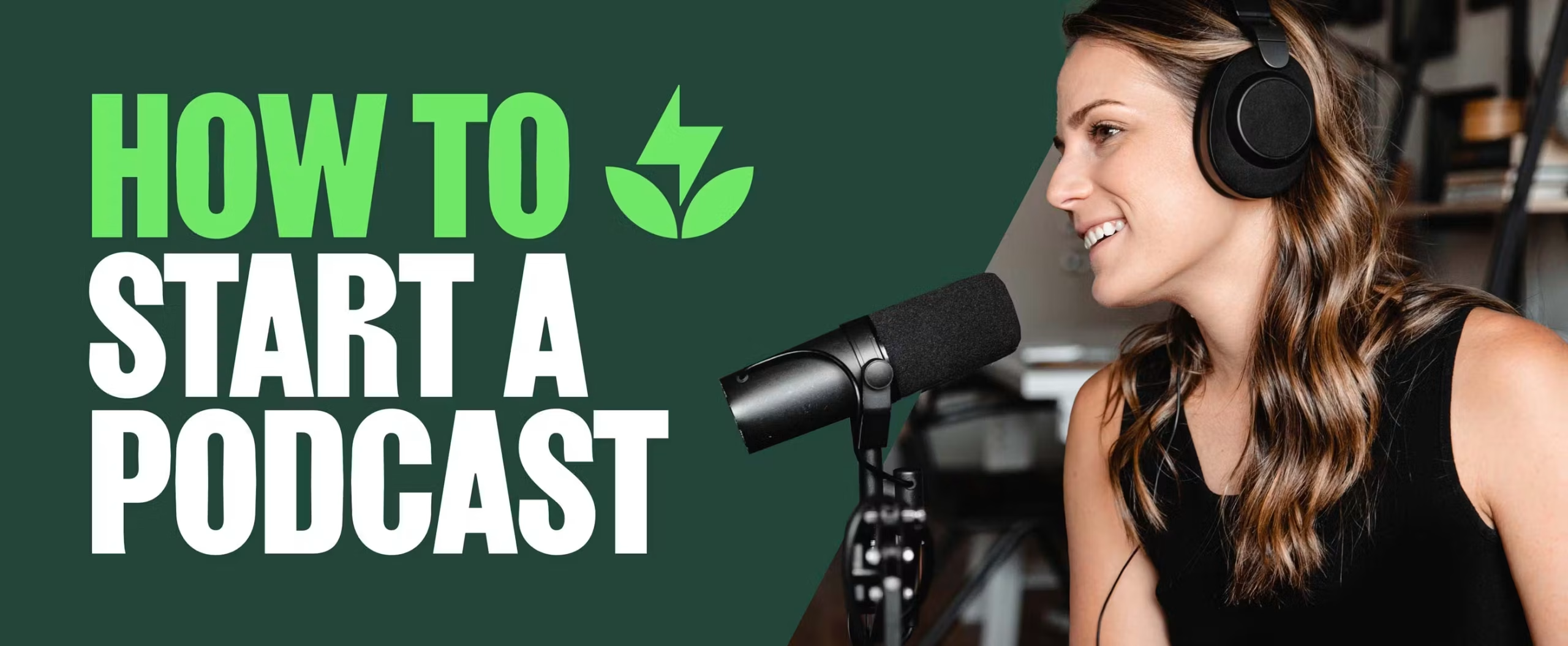
Podcasting has become one of the most powerful platforms for storytelling, teaching, and building an audience — and thanks to a surge in accessible tools, it’s never been easier to start. Whether you’re producing a thought-leadership series, an interview show, or niche audio content for your community, the right software can help you sound professional and stay consistent without blowing your budget.
Below are a few online tools that help you record, edit, publish, and promote your podcast — plus a special FAQ section focused on a growing podcast trend: video editing for your episodes.
1. Riverside.fm: Studio-Quality Remote Recording
Riverside.fm is a top choice for podcasters who record interviews remotely. It captures audio and video locally on each participant’s computer, meaning you get crystal-clear files — even if the internet glitches.
You can also generate separate audio/video tracks, livestream your session, and even turn highlights into social clips. With its browser-based setup, it’s great for guests who aren’t tech-savvy. There’s a free trial, and their pricing is competitive for the quality.
2. Descript: Record, Transcribe, and Edit Like a Doc
Descript is a game-changer for podcasters who hate traditional editing. It automatically transcribes your audio and lets you edit by cutting text — like a Word document. Delete a sentence in the transcript? It’s gone from the audio.
It also includes screen recording, filler-word removal, and video editing capabilities. For creators who wear multiple hats, Descript saves serious time while maintaining pro-quality output.
3. Buzzsprout: The Podcaster’s Publishing Hub
Once your episode is ready, Buzzsprout makes it easy to publish, distribute, and track it across all major platforms (Apple, Spotify, Amazon, etc.). Its clean interface, analytics dashboard, and built-in magic mastering (for audio optimization) are perfect for beginners.
Buzzsprout also offers embeddable players for websites and even lets you create visual soundbites for social sharing. Their free plan hosts episodes for 90 days, which is ideal for test-driving your format.
4. Podpage: Build a Website for Your Podcast (Without Coding)
Every podcast should have a home online — not just to host episodes, but to gather emails, post show notes, and attract new listeners via SEO. Podpage creates beautiful podcast websites automatically from your RSS feed.
You can customize design, add guest profiles, enable reviews, and even sync with your newsletter tool. The platform is ideal for non-tech creators who still want a clean, effective web presence.
5. Auphonic: Fix Audio Like a Sound Engineer
Even the best recordings can sound uneven or noisy. Auphonic offers automatic post-production that levels voices, reduces background noise, and optimizes loudness to broadcast standards.
It’s especially helpful for podcasters using budget mics or recording in non-studio environments. Auphonic is free for up to two hours of processing per month — more than enough for many indie creators.
6. Headliner: Turn Audio into Eye-Catching Visuals
Want to share your podcast on Instagram, YouTube, or TikTok? Headliner lets you convert audio clips into short videos with waveforms, captions, and imagery.
This helps turn passive listeners into active followers by giving them previews and snippets to engage with — especially helpful if you’re promoting episodes or quotes from guests. The platform offers a generous free plan for new creators.
🎬 FAQ: Video Editing Tips for Podcast Creators
As podcasts become more visual — from video-first interviews to social media reels — editing video is now part of the modern podcaster’s toolkit. Below are some frequently asked questions to help you add visual flair to your show, whether you’re posting full episodes or bite-sized clips.
Q1: Do I need to edit video if my podcast is audio-only?
Not necessarily. But video content can increase discoverability. Even short clips from your recording session, paired with captions and a compelling hook, can boost your reach on platforms like Instagram Reels, YouTube Shorts, or LinkedIn.
Q2: What’s an easy tool to trim podcast video clips?
If you’re looking for a fast, browser-based option to clip out sections of your podcast, try using Adobe Express’s tool to trim a video. It’s intuitive, free, and doesn’t require a software install — perfect for quick edits or previews.
Q3: What platform is best for editing long video podcast episodes?
For full-length editing, consider using DaVinci Resolve (free with pro features), Adobe Premiere Pro (for advanced needs), or Descript (for script-based cuts). These tools let you polish your video, sync multi-cam setups, and add intros/outros for a cohesive look.
Q4: Should I include B-roll or graphics in my podcast videos?
Yes, especially if you want to retain attention. Adding relevant visuals, screenshots, or even motion graphics can reinforce your key points and keep viewers engaged — especially on platforms like YouTube where video attention spans can be short.
Q5: How do I export high-quality podcast video for upload?
Stick to 1080p (or 4K if you recorded that way), MP4 format, and use H.264 encoding. Ensure audio is balanced across tracks. Always test playback before uploading to ensure there are no sync or quality issues.
Creating a podcast is more than just speaking into a mic — it’s about connection, clarity, and consistency. With today’s online tools, you don’t need a studio or a big budget to sound (and look) like a pro. Start with the platform that solves your biggest friction point — whether that’s editing, distribution, or design — and build from there.
The world doesn’t need another generic podcast. It needs your voice, delivered well. Let these tools take care of the heavy lifting so you can focus on creating content that lasts.