
Every game needs music. Whether it’s a tense boss-fight theme or a calm village loop, the right soundtrack pulls players deeper into the experience. The problem? Hiring a professional composer is expensive, slow, and often out of reach for indie developers working alone or on a tight timeline. That’s where Musick AI comes in — an AI Music Generator built for creators who need quality music without the back-and-forth of a studio process.
I. Why Game Music Matters More Than Most Developers Think
Sound is half the experience. Players may not consciously notice a great soundtrack, but they’ll absolutely feel when one is missing.
- A well-matched track reinforces the emotion of each scene — urgency in combat, wonder in exploration, calm in downtime.
- Repetitive or mismatched audio is one of the fastest ways to break immersion.
- Most players spend hours inside a single game; music shapes how they remember the whole thing.
The good news is you don’t need formal music training or a big budget to get this right.
II. What Makes an AI Tool Actually Useful for Game Dev
Not every music tool is built with game developers in mind. Before choosing one, there are a few things worth checking:
1.Genre Flexibility
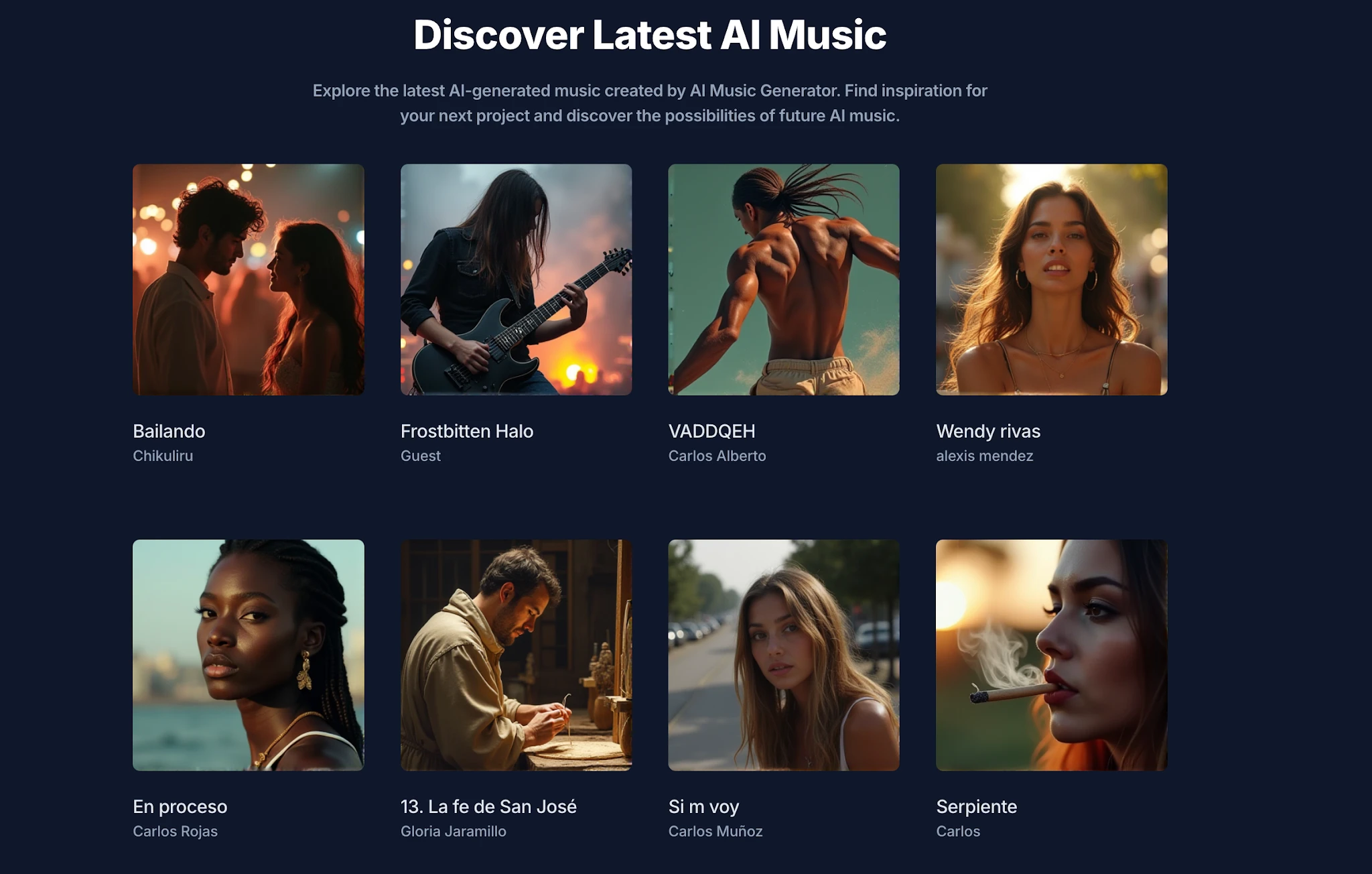
Game audio covers a huge range — orchestral scores, chiptune, ambient, EDM, metal, jazz, and more. A useful AI Music Maker should handle all of them without sounding flat or generic. Musick AI supports genres including EDM, Rock, Classical, Blues, Jazz, Hip-hop, Metal, and more through its Music Plaza, so developers can match the tone of any scene.
2.Instrumental Output
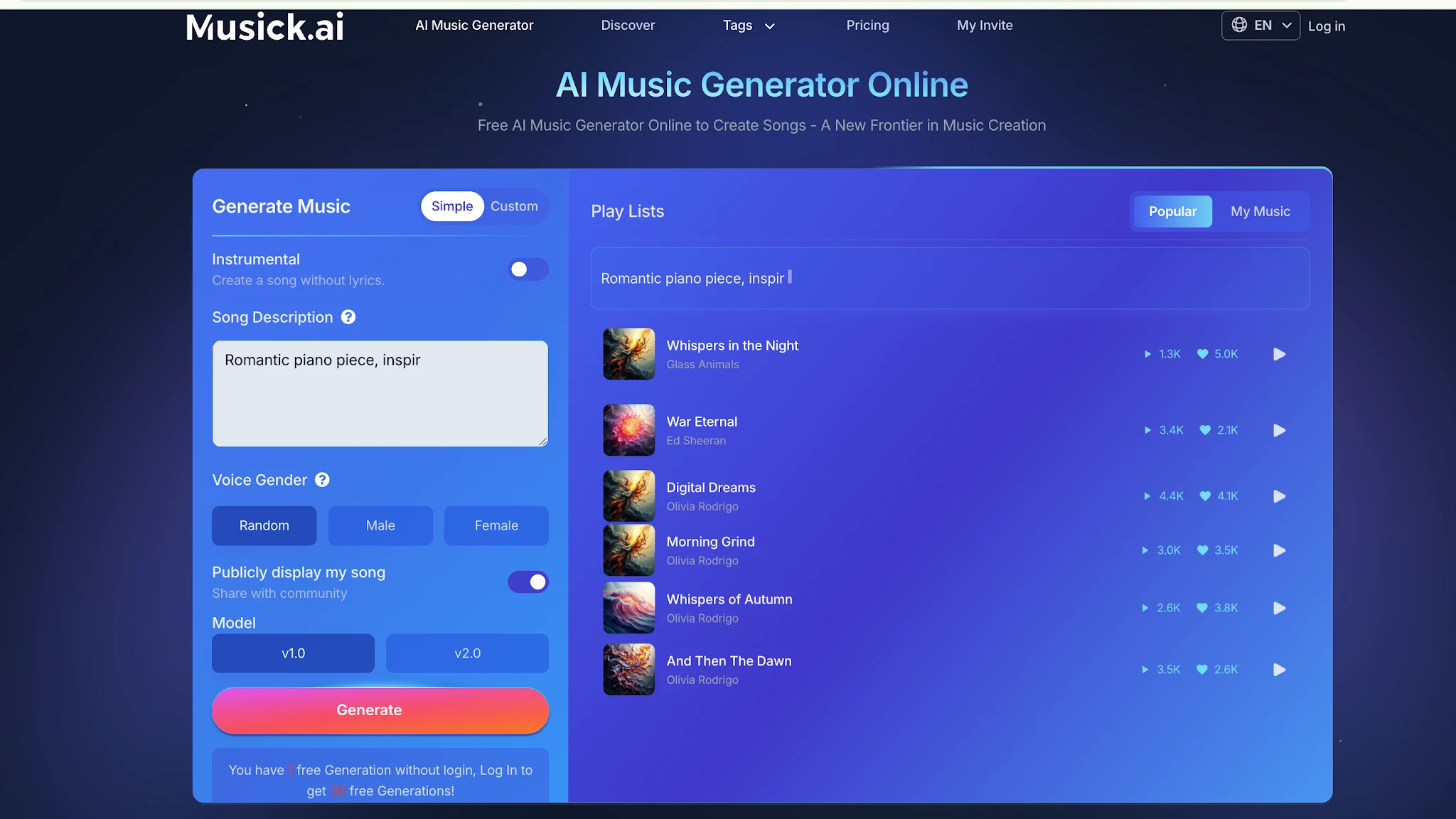
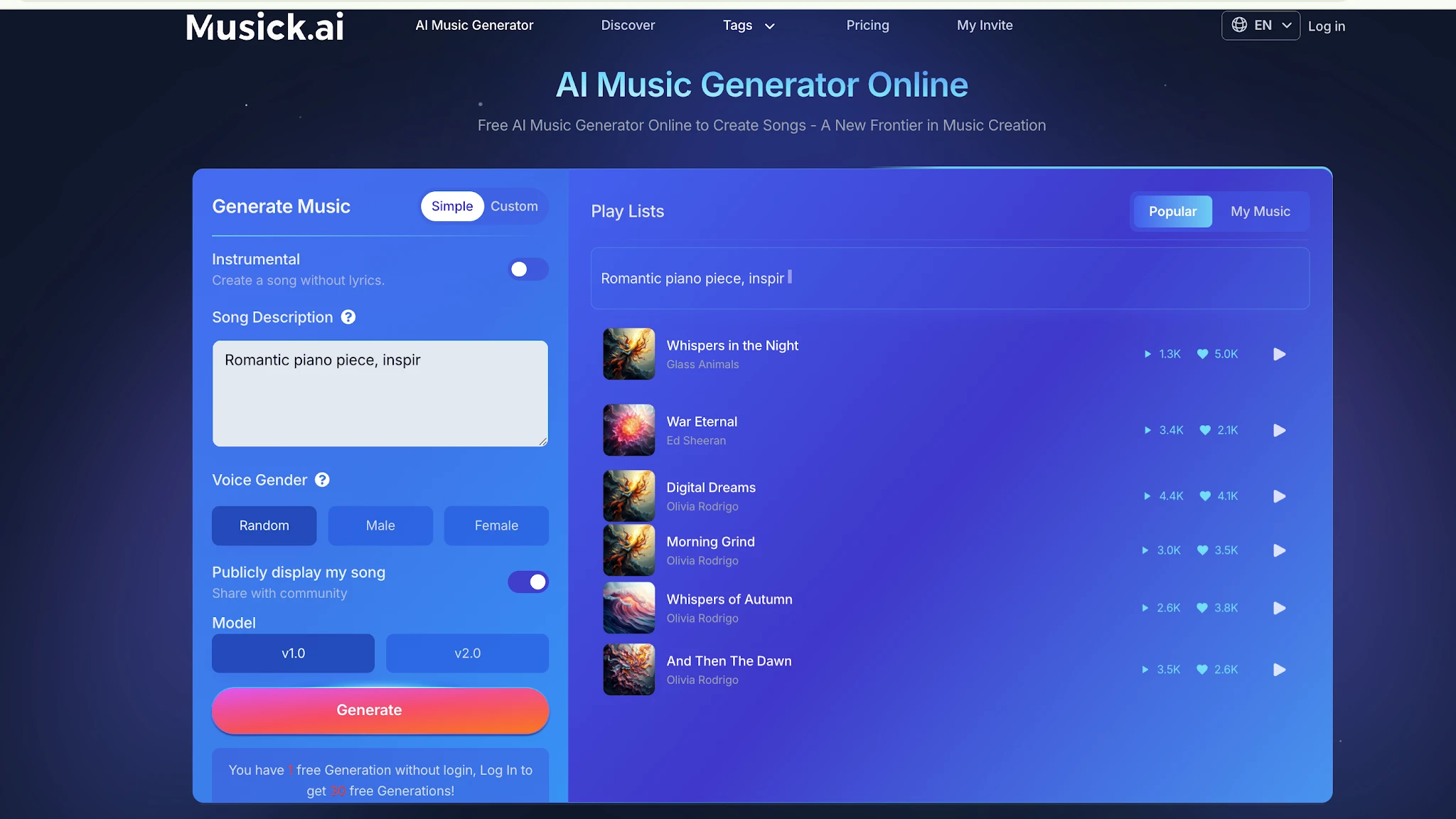
Most in-game music doesn’t need vocals. Musick AI lets users generate purely instrumental tracks, which are the standard format for background scores, ambient loops, and cutscene music.
3.Commercial Licensing
Music used in a published game needs to be cleared for commercial use. All music generated through Musick AI comes with a commercial license, so there’s no legal gray area when the game goes live.
III. How to Use Musick AI to Build a Game Soundtrack
The process is straightforward, and no music theory knowledge is required.
-
Start With a Text Prompt
Musick AI uses a text-to-music approach. Describe the mood, setting, and style of the track in plain language. For example: “dark orchestral battle theme with heavy percussion and dramatic strings” or “calm acoustic loop for a forest exploration scene.” The more specific the description, the better the output.
1.Select the Right Genre and Mood
Before generating, choose a genre from the available list. Pair it with descriptive terms in the prompt — words like “tense,” “ethereal,” “upbeat,” or “melancholic” help the system understand the emotional direction of the piece.
2.Choose Instrumental Mode
For game use, select the instrumental option in the generator to create a track without vocals. This keeps the output clean and focused, ideal for looping in the background of gameplay.
3.Generate and Review
Once the settings are in place, hit generate. Musick AI produces the track within minutes. If the first result isn’t quite right, adjust the prompt slightly and generate again — small changes in wording can produce noticeably different results.
4.Download and Integrate
Tracks can be downloaded directly and dropped into a game engine like Unity or Godot. The files are ready to use without any additional post-processing.
IV. Matching Music to Game Scenes
A good soundtrack isn’t just one track on repeat — it needs variety. Here’s a practical breakdown of what to generate for different parts of a game:
- Main menu: Something atmospheric and memorable, setting the tone before gameplay begins.
- Exploration areas: Ambient or light instrumental tracks that don’t compete for the player’s attention.
- Combat sequences: High-energy pieces with strong rhythm and intensity — metal, EDM, or cinematic orchestral work well here.
- Cutscenes or story moments: Emotional, slower compositions that support dialogue and narrative beats.
- Victory or completion screens: Short, satisfying tracks that reward the player’s progress.
With Musick AI, each of these can be generated separately and tuned to fit their specific context.
V. Tips for Getting Better Results
A few habits make the generation process faster and the output more usable:
1.Be Specific, Not Vague
“Epic music” gives the AI very little to work with. “Epic cinematic orchestral track with rising strings and a powerful brass section” gives it direction.
2.Reference Game Atmosphere, Not Songs
Rather than naming specific tracks or artists, describe the atmosphere — the setting, the emotion, the pacing. This keeps the output original and avoids stylistic conflicts.
3.Generate Variations
Don’t stop at one version. Generate three or four variations of the same prompt and compare them. Often, one will stand out as noticeably better than the others.
VI. Beyond the Soundtrack — Other Audio Needs
Musick AI also offers additional tools that can serve game audio needs beyond the main score.
The AI Song Lyrics Generator is useful if the game includes a title song or end credits music with vocals. The AI Beat Producer can help construct rhythmic elements for action-heavy sequences. The AI Rap Generator opens up options for games with urban or street-culture themes.
These tools support a broader creative workflow, not just background music generation. Developers working on AI Music for narrative games, short-form mobile titles, or game jam projects can use them to build a complete audio package without sourcing from multiple tools.
Conclusion
Building a game soundtrack used to mean hiring someone or spending months learning music production. Neither is a realistic option for most independent developers. Musick AI reduces that barrier significantly — it handles genre diversity, commercial licensing, instrumental output, and a fast generation process all in one place. The result is a usable, royalty-free game soundtrack that takes hours to build instead of months.
For developers who’ve been putting off the audio side of their project, this is the most practical starting point available right now.