
Instagram Stories are temporary posts that disappear after 24 hours. When you view a story, your username is added to the viewer list — a record the story owner can see. Every viewer’s name stays there until the story expires.
This system helps users see who’s engaging with their content, but it also raises questions about privacy. Many wonder: If you view someone’s Instagram story and block them right after, can they still see your name? Or does blocking instantly hide your activity?
In this article, we’ll explain exactly what happens when you view and block someone, how Instagram tracks story views, and how you can stay private online using trusted tools like private Instagram viewer apps that help you view private Instagram profiles safely and anonymously.
If You View Someone’s Story and Then Block Them — Step-by-Step Outcome
Blocking might sound like a digital escape button, but it doesn’t erase all traces immediately. Here’s exactly what happens behind the scenes when you view someone’s story and then block them.
1. Your Name Stays on Their Viewer List
Even if you block the person seconds after watching their story, your username will still appear on their viewer list. Instagram’s system records views in real time, so once your name is logged, it stays visible until the story expires (24 hours).
Blocking the user won’t remove that view from their list — the only thing that changes is that your profile becomes inaccessible. They can see your name but not your profile photo, bio, or posts. In many cases, it looks like your account disappeared or was deleted.
2. They Can’t Access Your Profile
Once you block someone, you’re cutting off all visible links between your profiles. If they tap your name from the viewer list, they’ll see “User not found.” Your comments, likes, and messages also become invisible to them.
They won’t receive any notification that they’ve been blocked, but they may figure it out if they notice that your profile is suddenly inaccessible. This can make them suspicious, especially if you viewed their story recently and vanished right after.
3. You Won’t See Their Content Either
Blocking is mutual in effect. Once you block someone, you also lose access to their stories, reels, and posts. Even if their account is public, Instagram’s blocking feature ensures that both users can no longer view each other’s activity.
This means if you later change your mind, you’ll have to unblock them manually and refollow their account to see their content again.
If you’re just trying to hide your story view or browse anonymously, blocking is a bit extreme. It removes every connection and creates a noticeable absence. For privacy concerns, a softer option — like using Instagram viewer tools — works much better.
4. Unblocking Doesn’t Restore Anything
Once you unblock someone, your prior interactions are not restored. The story you viewed has already expired, and your old view data is gone. Instagram doesn’t keep a retrievable record of past story views.
Unblocking simply allows you to find their profile again or follow them anew. They won’t get a notification about being unblocked, but if you follow them again, that action will appear in their activity feed.
So, if you’re testing what happens when you view someone’s Instagram story and block them, remember: your name stays on the viewer list until the 24-hour window ends, but after that, the record disappears — along with your temporary connection.
Can You Hide Your Instagram Story Views Without Blocking?
Blocking isn’t the only — or best — way to watch stories discreetly. Below are several less drastic and more reliable alternatives.
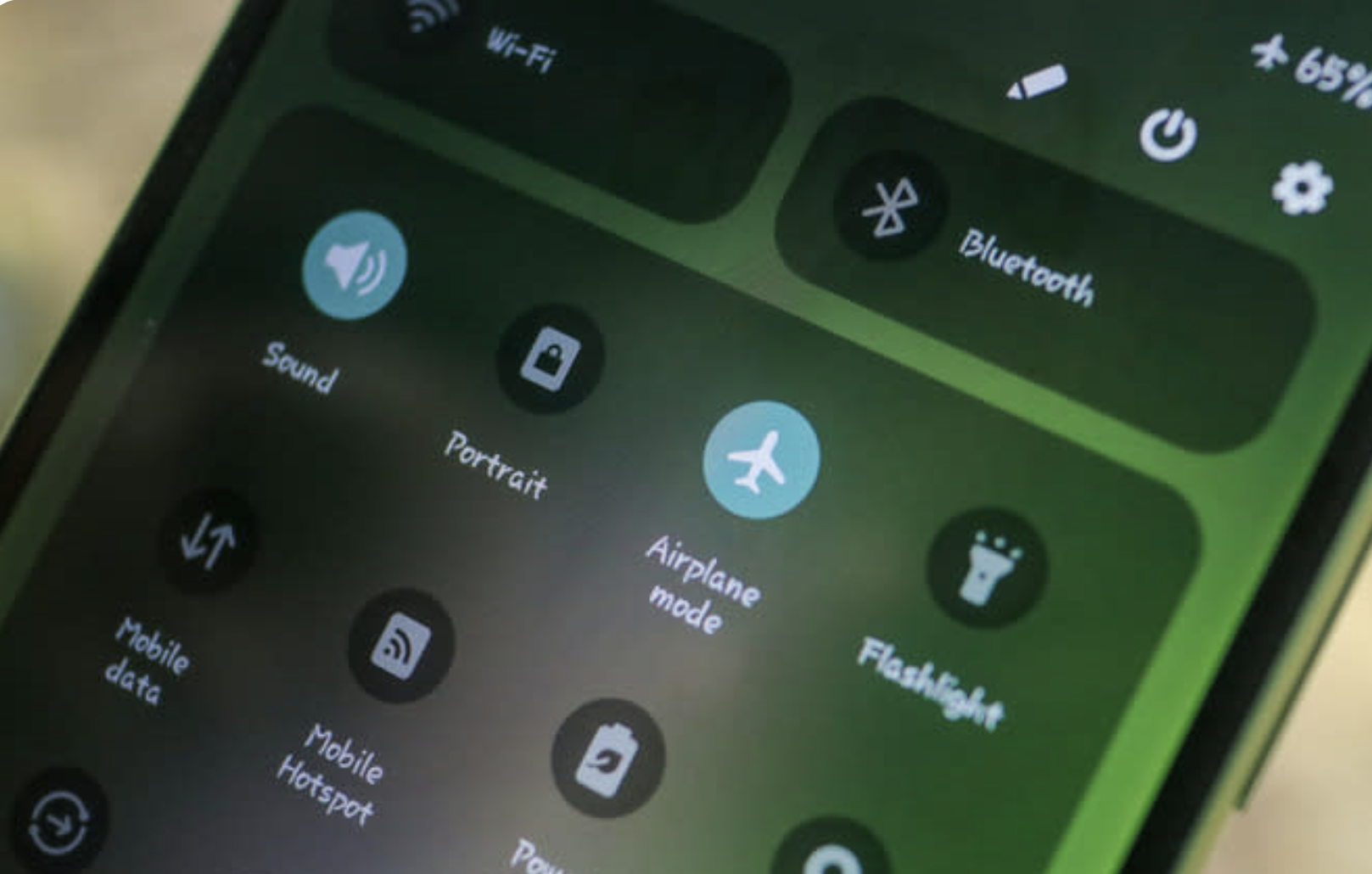
1. The Airplane Mode Trick
You can use Airplane Mode to view stories offline. Open Instagram, let the stories load, then turn on Airplane Mode before watching them. While offline, view the stories and then close the app completely before turning your connection back on.
This sometimes prevents your name from appearing in the viewer list, but Instagram’s system may still sync later, especially if the app hasn’t fully closed in the background. So, this method works inconsistently.
2. View Stories From Another Account
Many users have a secondary or anonymous account (often called a “finsta”) that allows them to browse stories without using their real identity. As long as that account isn’t blocked, you can watch stories from it freely — especially public ones.
How to View Private Instagram Profiles Safely
Trying to access a private profile is trickier, but there are safe ways to do it:
1. Send a Genuine Follow Request
The most transparent and effective method is to send a follow request. Many private account users accept requests from real profiles with authentic bios and photos. Including a short, polite message can improve your chances of being accepted.
2. Use Mutual Friends
If a mutual friend already follows the private account, they may show you posts or stories. While this isn’t a guaranteed solution, it’s an honest and rule-abiding approach.
3. Use Private Instagram Viewer Apps
If you prefer not to interact directly, there are private Instagram viewer apps that allow you to view private Instagram content discreetly. These tools display stories without logging into your account. While many of these tools are safe to use, always check that they don’t ask for your login information. A secure Instagram viewer should protect your privacy, not compromise it.
Verdict
So, what really happens if you view someone’s Instagram Story and block them? Your name remains visible on their story’s viewer list until the story expires — blocking doesn’t instantly remove it. After 24 hours, both the story and your view record disappear naturally. Blocking simply prevents further interaction, not the existing view.
If you want to browse anonymously, it’s better to use safe Instagram viewer tools or incognito methods instead of blocking people impulsively. Services like private Instagram viewer app — makes it easy to view private Instagram content anonymously without sharing your login details.